> For the complete documentation index, see [llms.txt](https://docs.camflite.com/llms.txt). Markdown versions of documentation pages are available by appending `.md` to page URLs; this page is available as [Markdown](https://docs.camflite.com/crd1/payload/gremsy-gimbal-w-sony-a7.md).
# Gremsy Gimbal w/Sony A7
## Supported Gimbals
Currently, we support the following Gimbals from Gremsy
* [Pixy U](https://gremsy.com/products/pixy-u)
* [S1V3](https://gremsy.com/products/gremsy-s1v3)
* [T3V3](https://gremsy.com/products/gremsy-t3v3)
* [Pixy PE](https://gremsy.com/pixy-pe-spec)
* [T3 PE](https://gremsy.com/gremsy-t3-pe-spec)
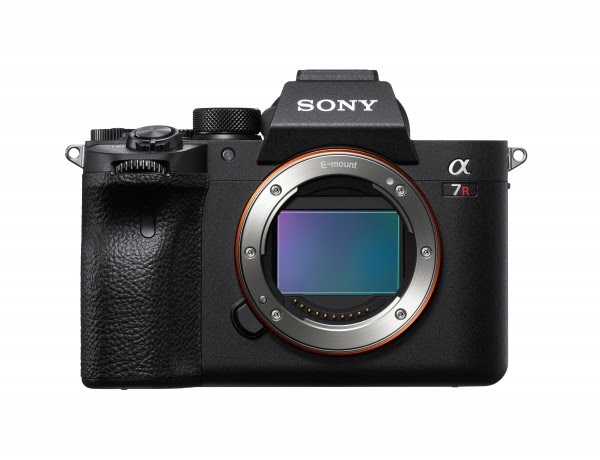
## Sony Alpha a7R IV
## Preparation
To utilize the Sony a7R IV camera with Skynode, you must first enable the PC Remote Function feature on the camera.
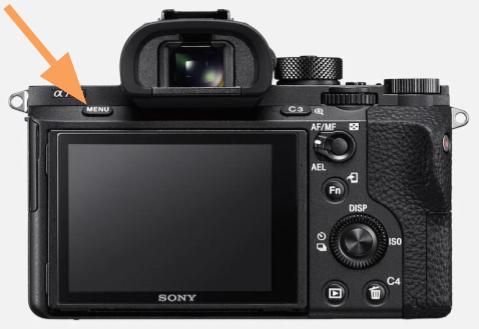
1. Turn on the Sony a7R and open the Settings menu (Press **MENU** button):\
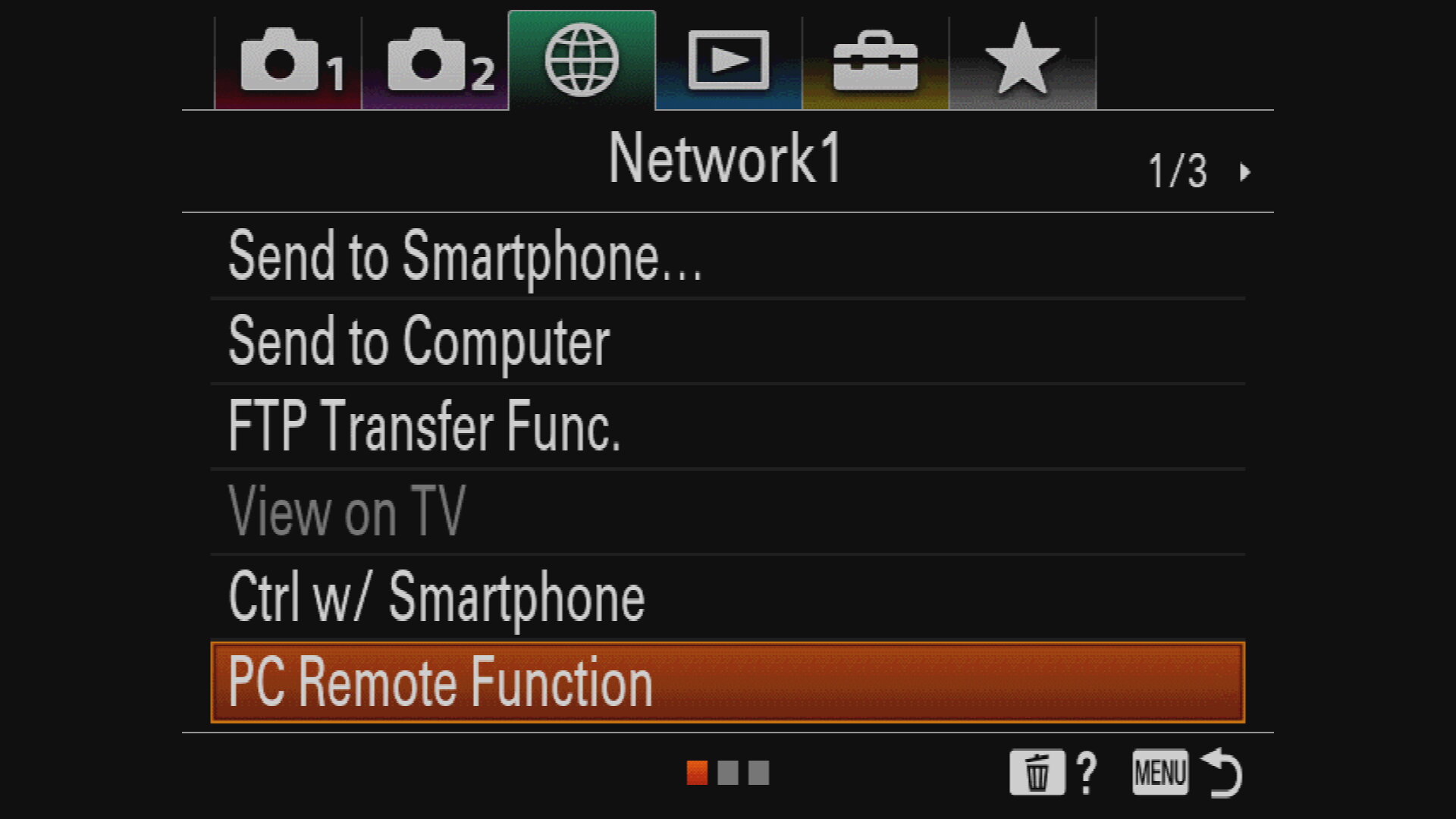
2. Navigate to the *Network1* tab and open *PC Remote Function*.\
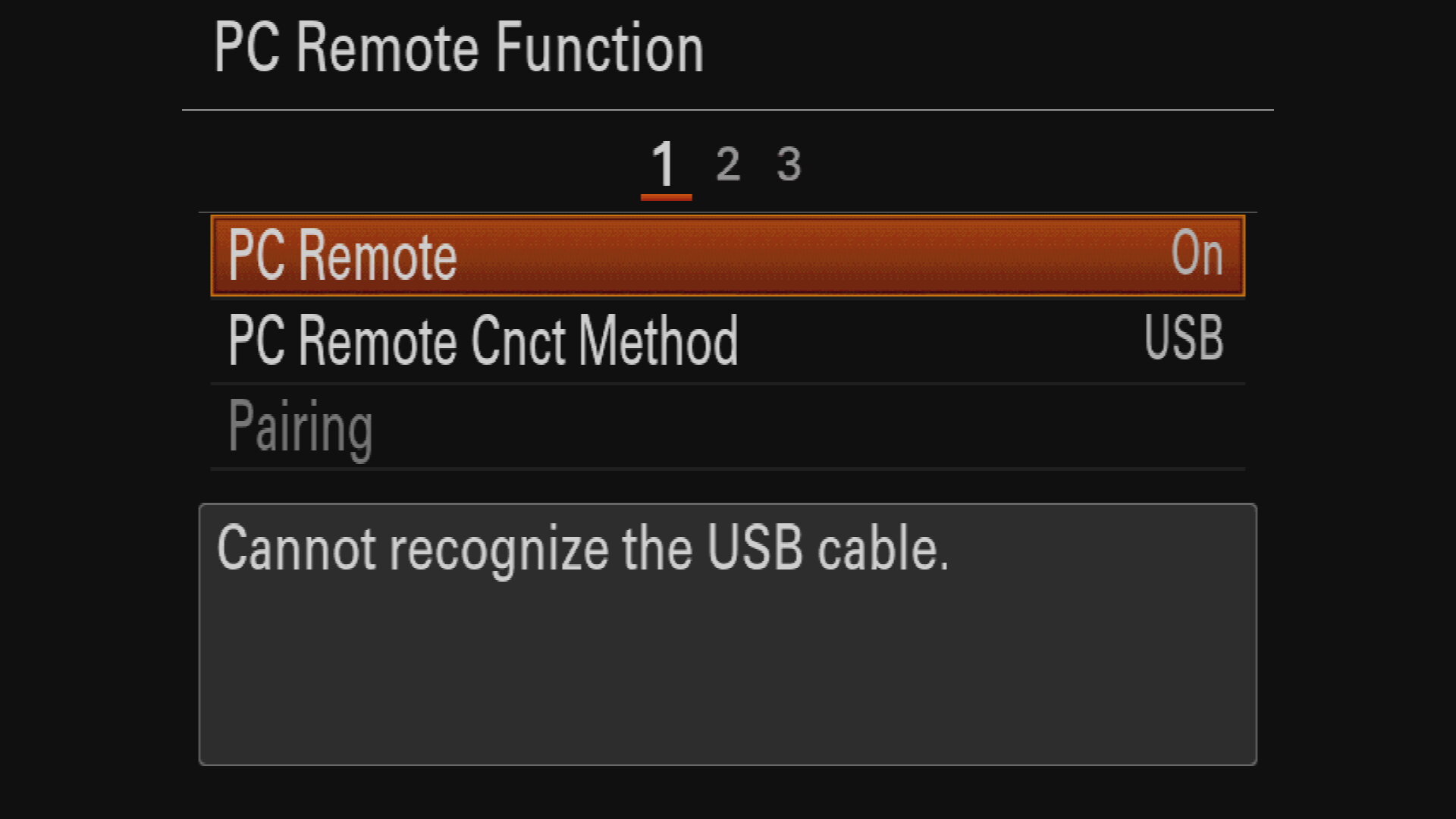
3. Set *PC Remote* to **On** and make sure *PC Remote Cnct Method* is set to **USB.** \
4. Exit the dialog by pressing the **MENU** button.
Still under "Controls", select "Mavlink", this time select YES when prompted to enable MAVLink input
Power on Skynode, connect to it via USB-C and change the following parameters using [Auterion Mission Control's Advanced mode](broken://pages/cYZiFsOFzbuY7AbkU1er)
1. `RefreshMAV_2_CONFIG` = 401 (PPB)
2. `MAV_2_MODE` = 10 (Gimbal)
3. `SER_PPB_BAUD` = 115200
4. `MAV_2_FORWARD` = 1
5. `MAV_S_FORWARD` = 1
6. `MNT_MODE_IN` = 4 (MAVLink Gimbal v2)
7. reboot
8. refresh parameters or restart AMC
9. `MNT_MODE_OUT` = 2 (MAVLink Gimbal v2)
 2. Navigate to the *Network1* tab and open *PC Remote Function*.\
 3. Set *PC Remote* to **On** and make sure *PC Remote Cnct Method* is set to **USB.** \
 4. Exit the dialog by pressing the **MENU** button.
Still under "Controls", select "Mavlink", this time select YES when prompted to enable MAVLink input
4. Exit the dialog by pressing the **MENU** button.
Still under "Controls", select "Mavlink", this time select YES when prompted to enable MAVLink input